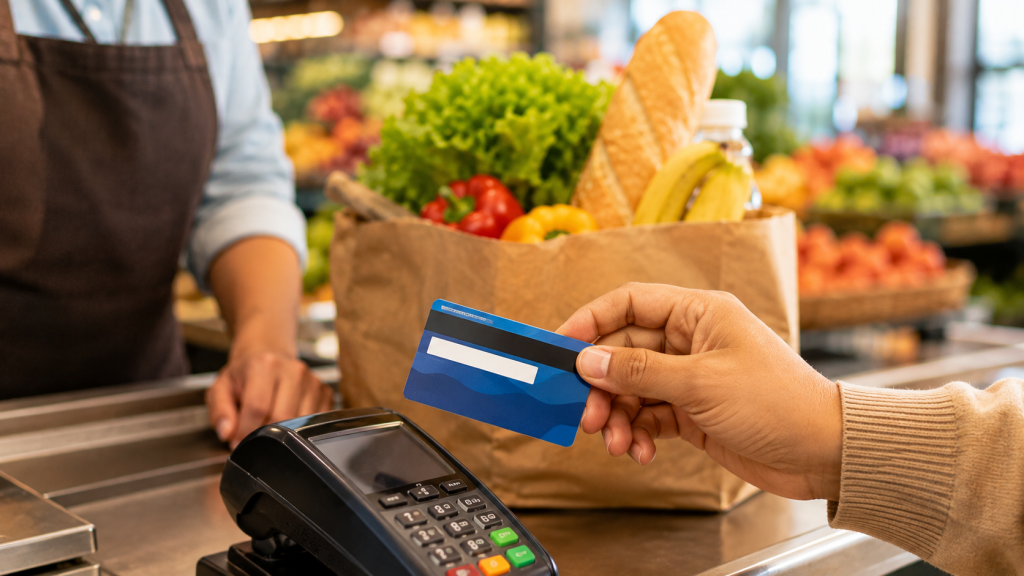
Running out of SNAP benefits mid-shop is stressful — and completely avoidable. Checking a New Mexico EBT balance takes less than a minute, and there are a few different ways to do it depending on what’s most convenient at the moment. This guide walks through each option so households can stay on top of their SNAP benefits without any guesswork.
Why Checking Your EBT Balance Matters
SNAP benefits are loaded onto an EBT card once a month, and that amount doesn’t roll over indefinitely or refill automatically mid-cycle. Knowing the exact balance before heading to the store helps avoid an awkward moment at checkout and makes it easier to plan grocery trips around what’s actually available. It’s also a simple way to catch errors early, such as an unexpected charge or a balance that doesn’t match what was expected.
Method 1: Check Online Through YES.NM.GOV

The fastest way to check a New Mexico EBT balance is through the state’s official self-service portal, YES.NM.GOV. After logging in with an existing account, households can view their current SNAP benefits amount, recent transaction history, and other case details in real time.
This method works well for anyone who already manages their SNAP application or SNAP renewal online, since it keeps everything — balance, case status, and documents — in one place.
Method 2: Call the Number on the Back of the EBT Card

Every EBT card has a toll-free customer service number printed on the back. Calling that number connects to an automated system where the cardholder can enter their card number and PIN to hear the current balance read aloud.
This option is especially useful for anyone without reliable internet access, or who simply prefers a quick phone call over logging into a portal. It’s available 24/7, so there’s no need to wait for regular Income Support Division office hours.
Method 3: Check the Receipt From a Recent Purchase

Most grocery store receipts show the remaining EBT balance directly at the bottom, right after a SNAP purchase is processed. While this method only reflects the balance as of the last transaction (not real-time), it’s a handy backup for a quick glance without needing to call or log in to anything.
What to Do If the Balance Looks Wrong
Occasionally, a balance might look lower or higher than expected. Before assuming there’s an error, it helps to review recent purchases and confirm the timing of the latest SNAP benefits deposit, since New Mexico issues benefits on a staggered schedule rather than all on the same date each month.
If something still doesn’t add up after checking transaction history through YES.NM.GOV or the phone line, contacting the Income Support Division directly is the best next step. They can review the account and correct any discrepancies tied to the case.
Final Thoughts
Keeping track of a New Mexico EBT balance doesn’t require much effort once the right habits are in place. Whether it’s a quick check through YES.NM.GOV, a phone call, or glancing at a receipt, these three methods make it easy to shop with confidence and avoid any surprises at checkout.
This article is for general informational purposes only and does not guarantee benefit amounts or account details. For the most accurate and current information, verify directly through YES.NM.GOV or the New Mexico Health Care Authority.
-
How do I check my New Mexico EBT balance?
The quickest options are logging into YES.NM.GOV, calling the number on the back of the EBT card, or checking the balance printed on a recent grocery receipt.
-
How do I check my SNAP benefits online?
Households can log in to YES.NM.GOV to view their current balance, transaction history, and case details in one place.
-
Is there a fee to check my EBT balance?
No. Checking the balance online, by phone, or via receipt is free. Some ATMs may charge a fee only if used to withdraw cash benefits, which is separate from checking a SNAP food balance.
-
Why does my EBT balance look different than expected?
This is often due to the timing of the monthly deposit or a recent purchase. Reviewing transaction history through YES.NM.GOV can clarify recent activity before assuming there’s an error.
-
What if my EBT card isn’t working?
If the card is lost, damaged, or not working, contacting the Income Support Division or calling the number on file (if the physical card isn’t available) can help resolve the issue and, if needed, get a replacement card issued.